AI Color Analysis
See a new hair colour on your own photo in seconds — no bleach, no regret.
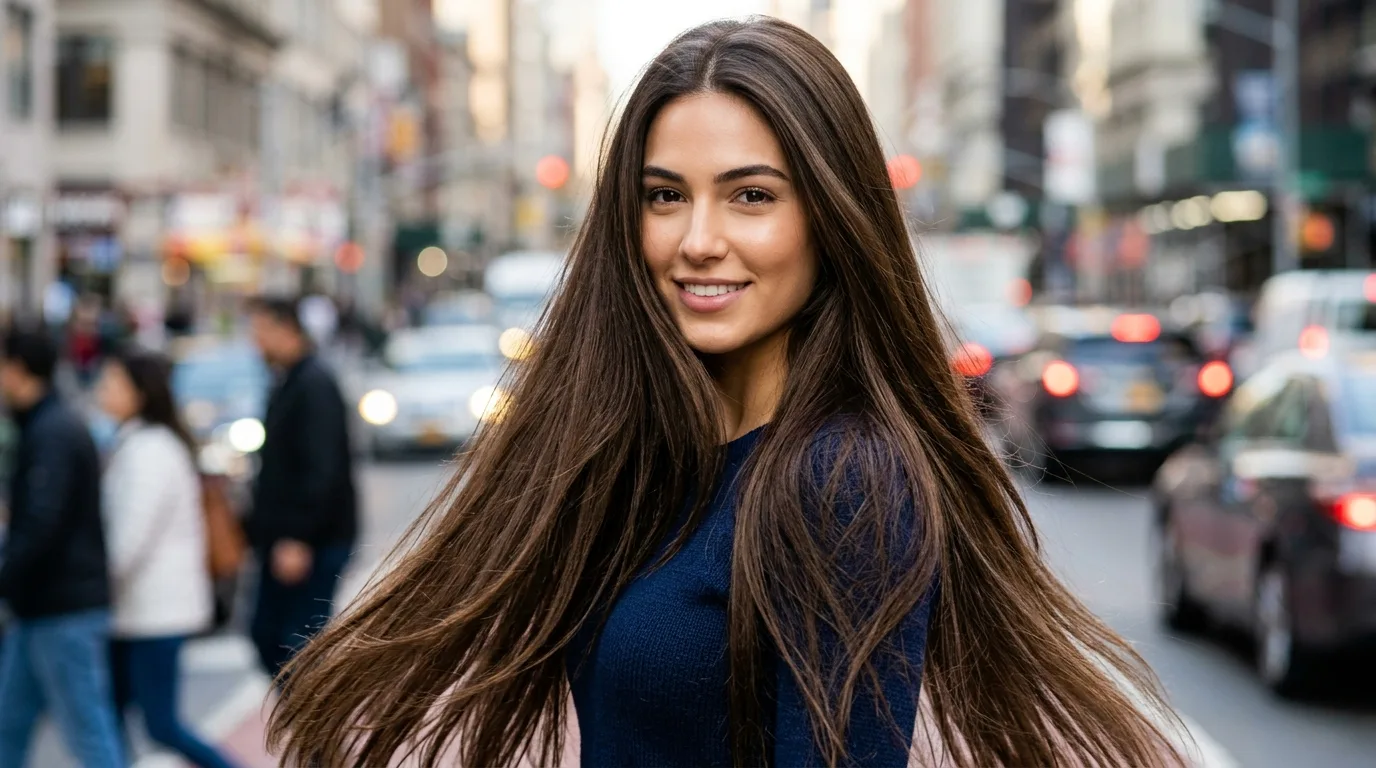
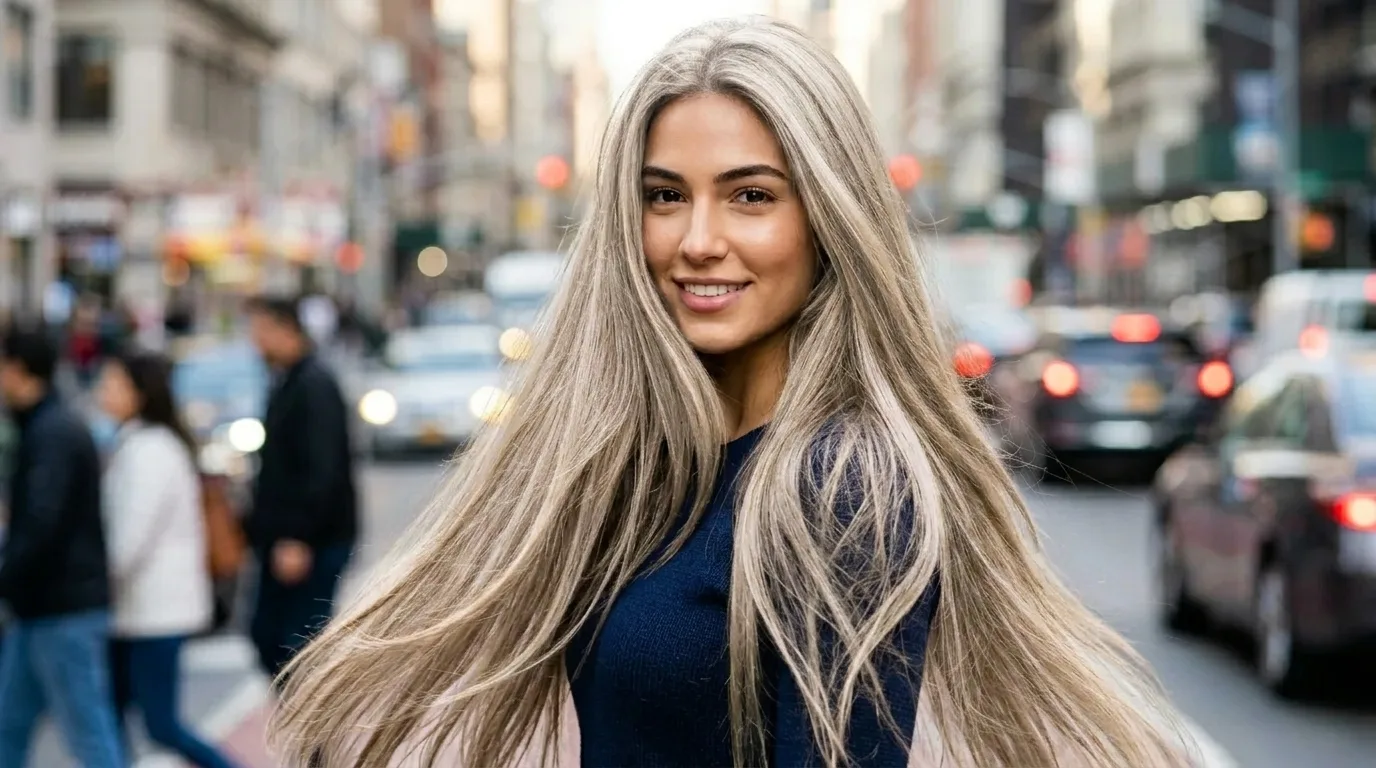 Your photoResult
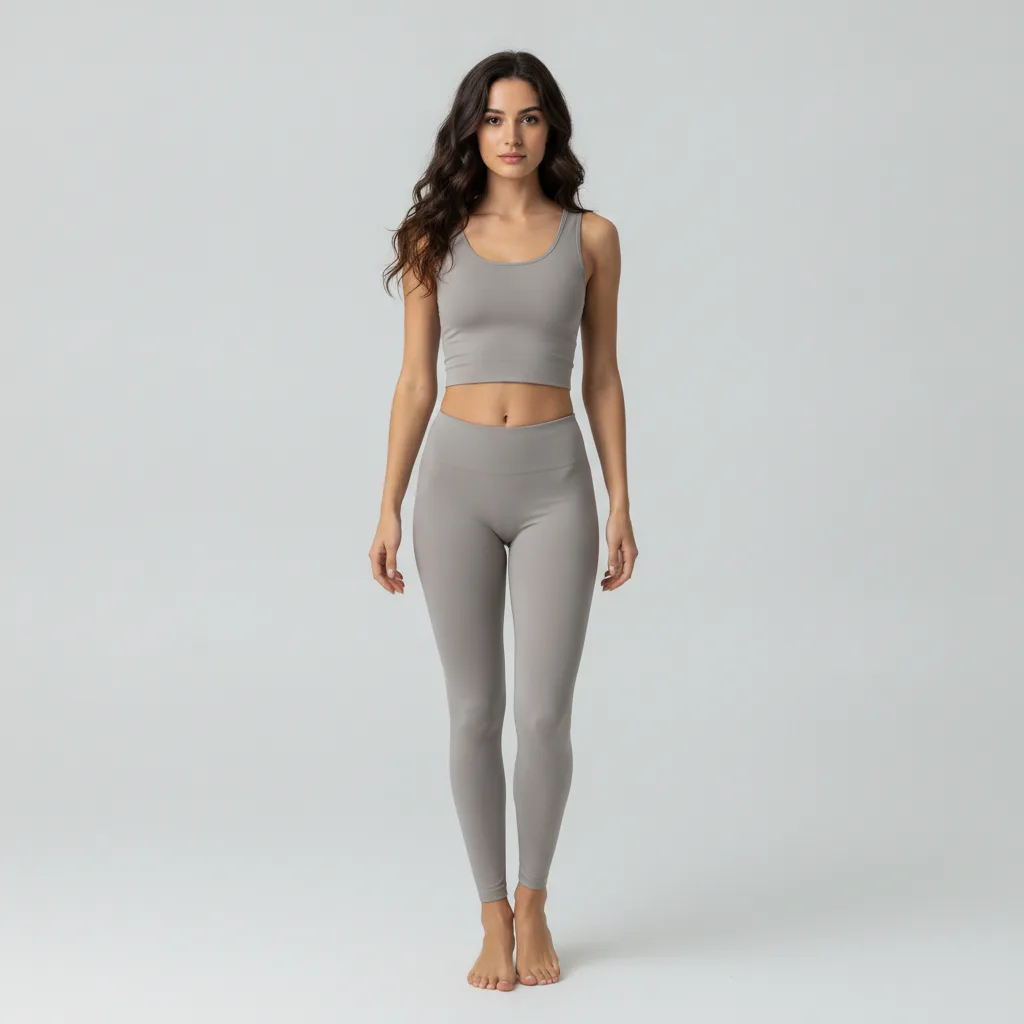
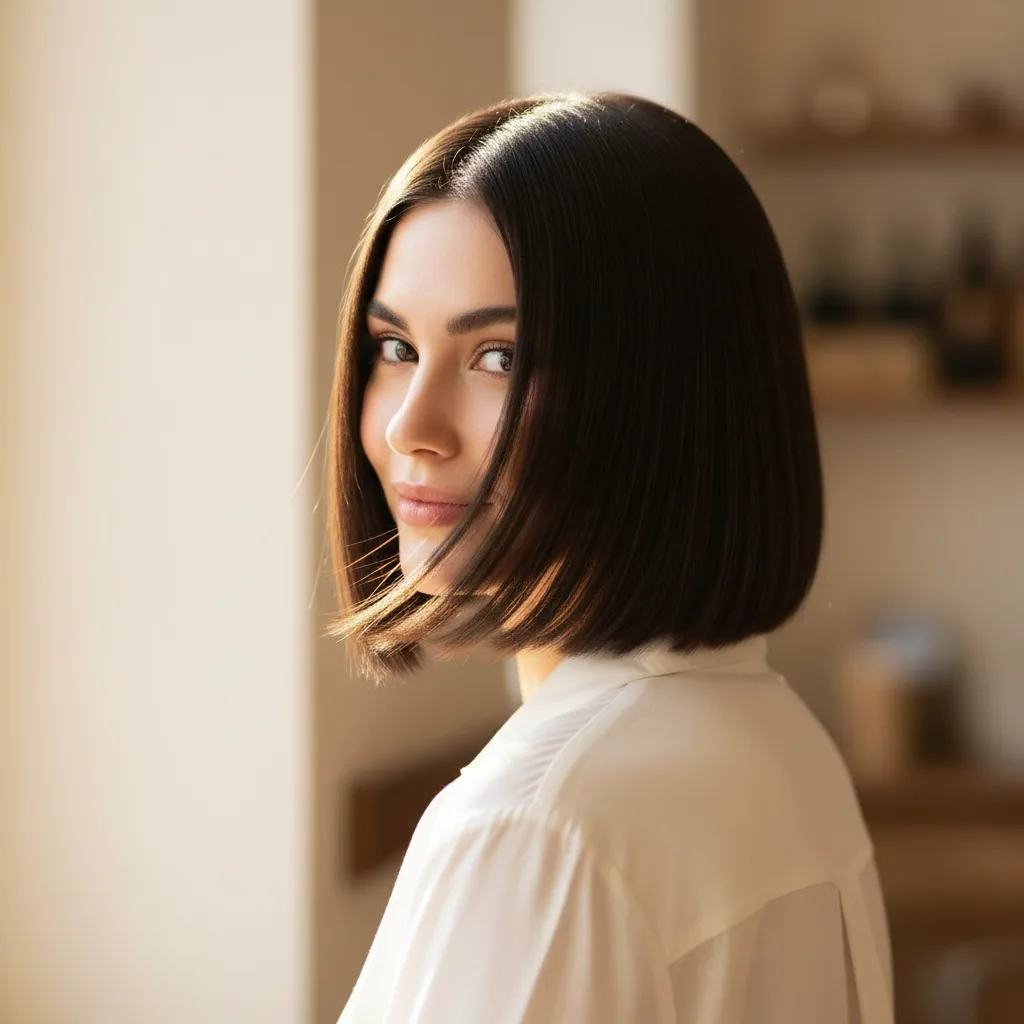
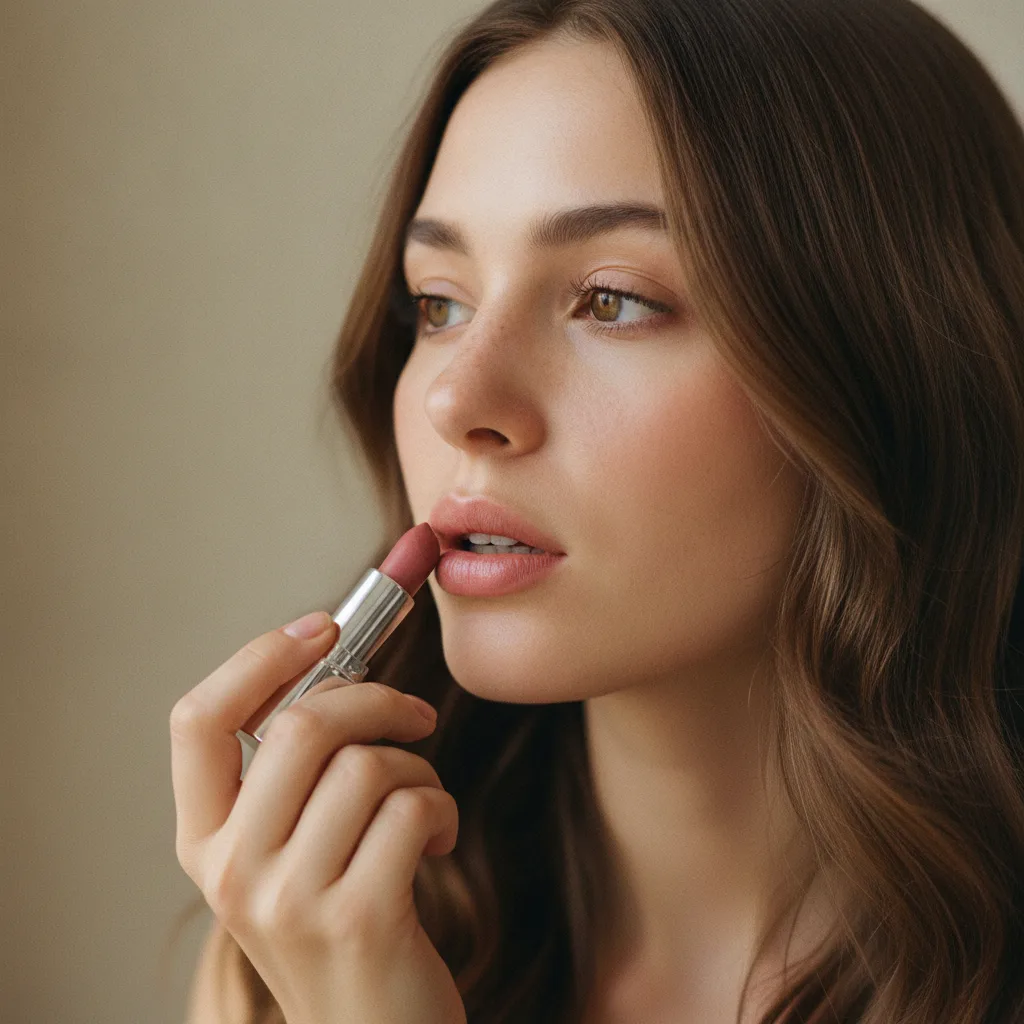
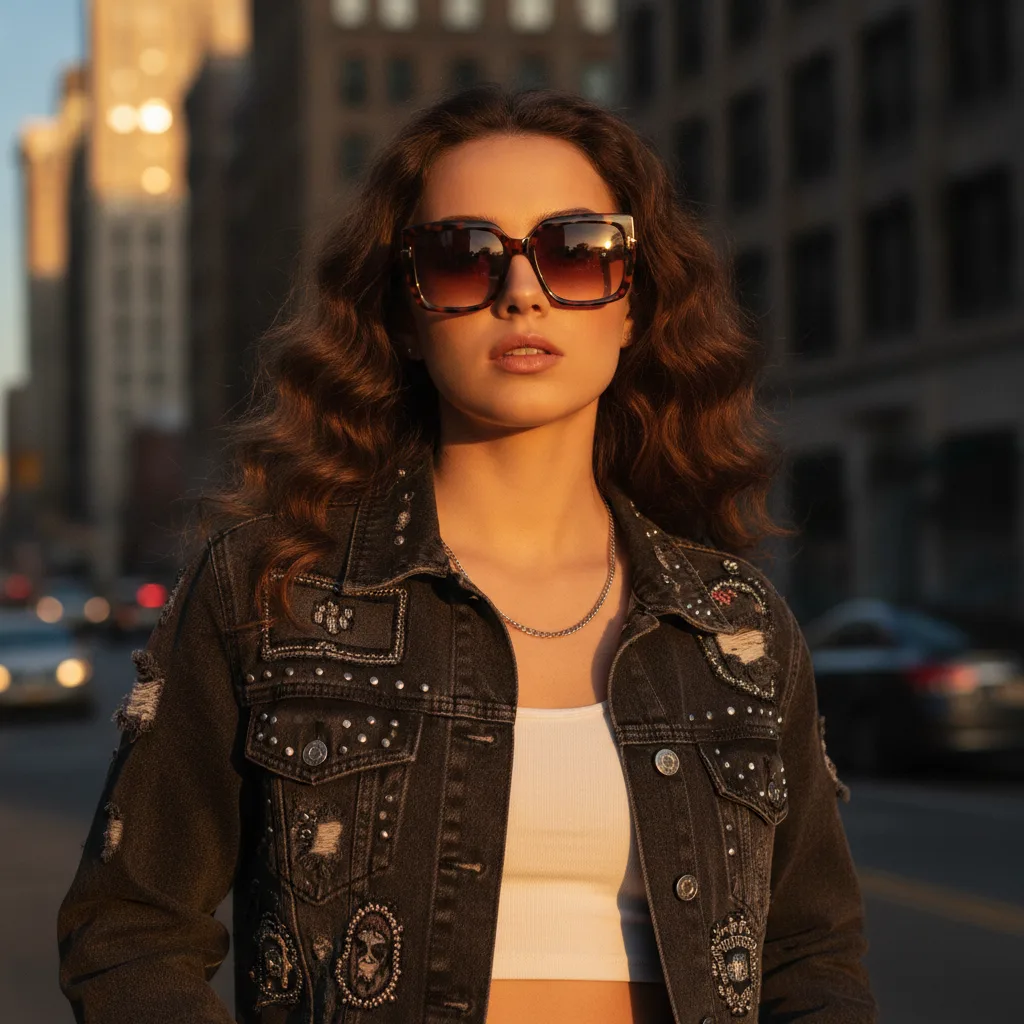
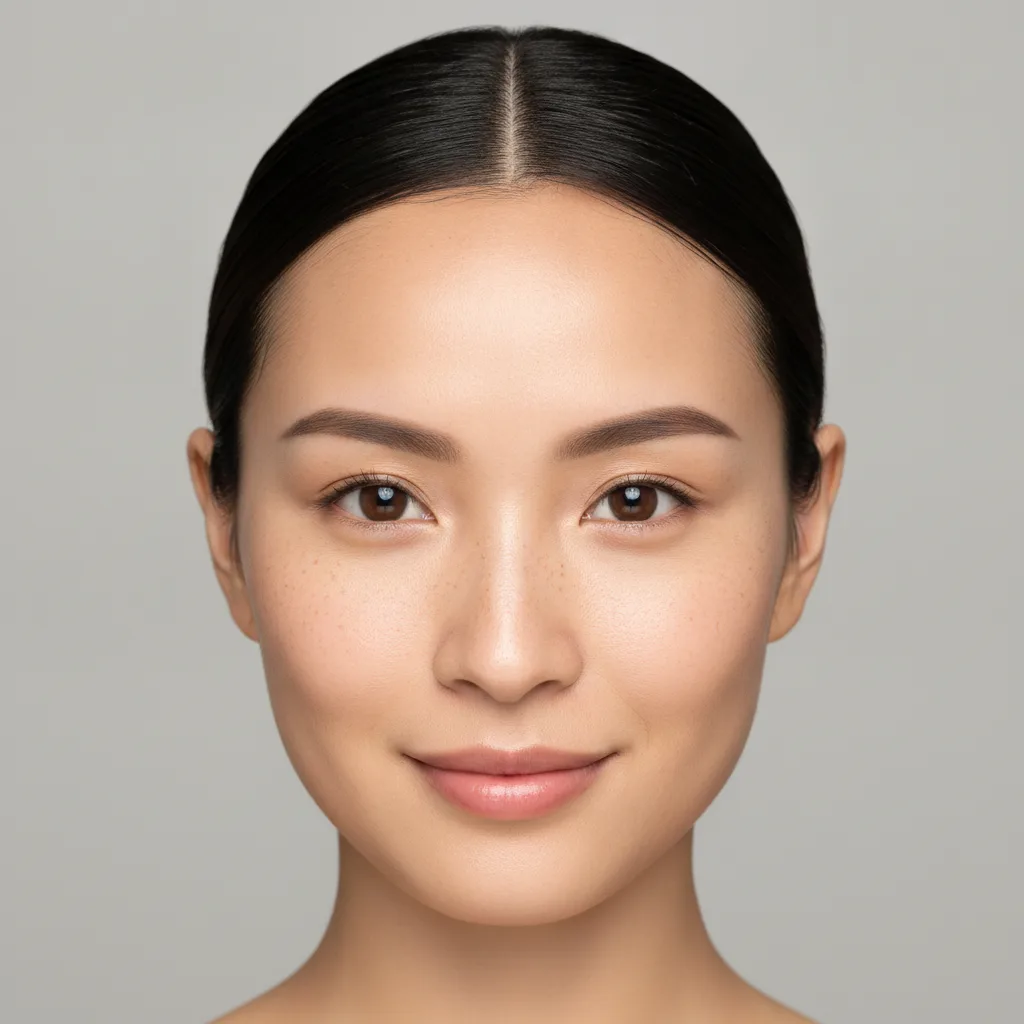
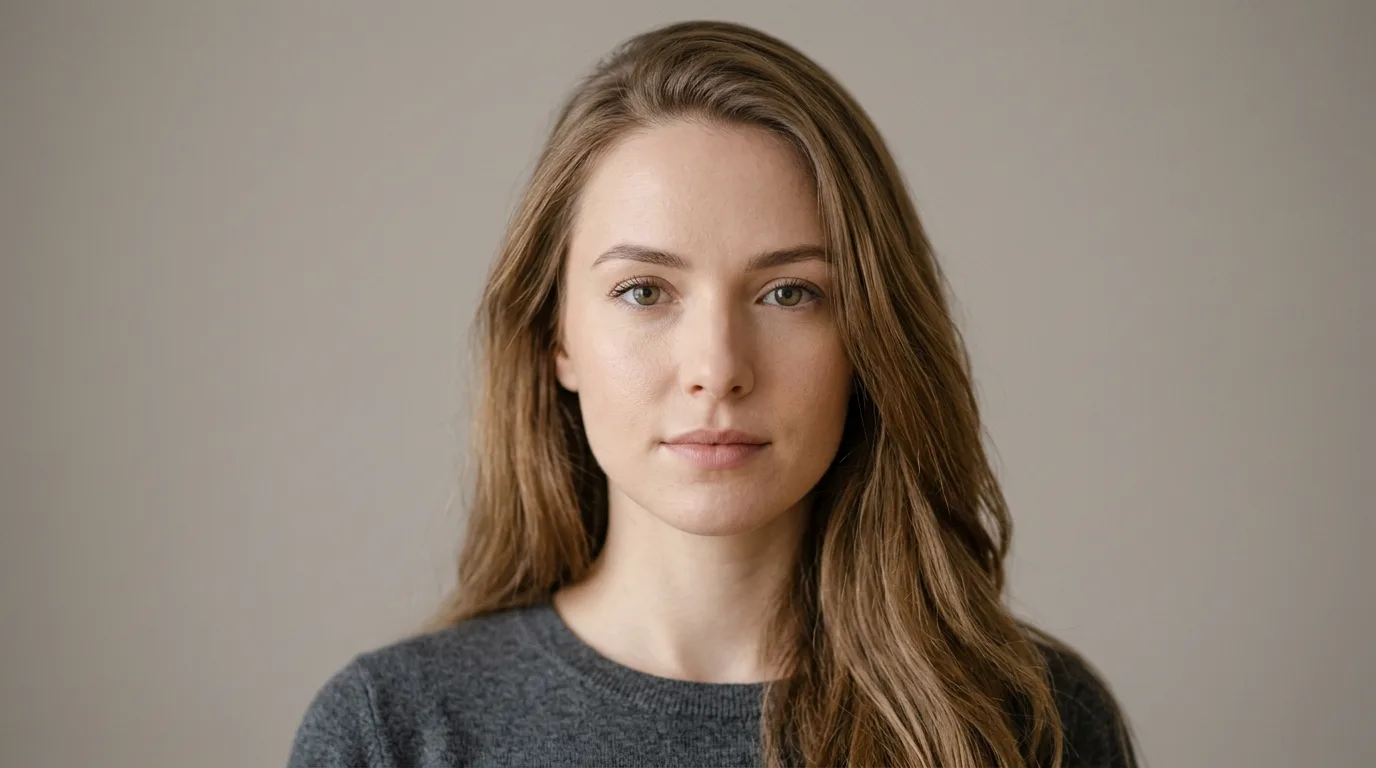
Every example above was generated by this tool.
From photo to preview in under a minute.
Even lighting, hair fully visible, no hat or heavy shadows on the face.
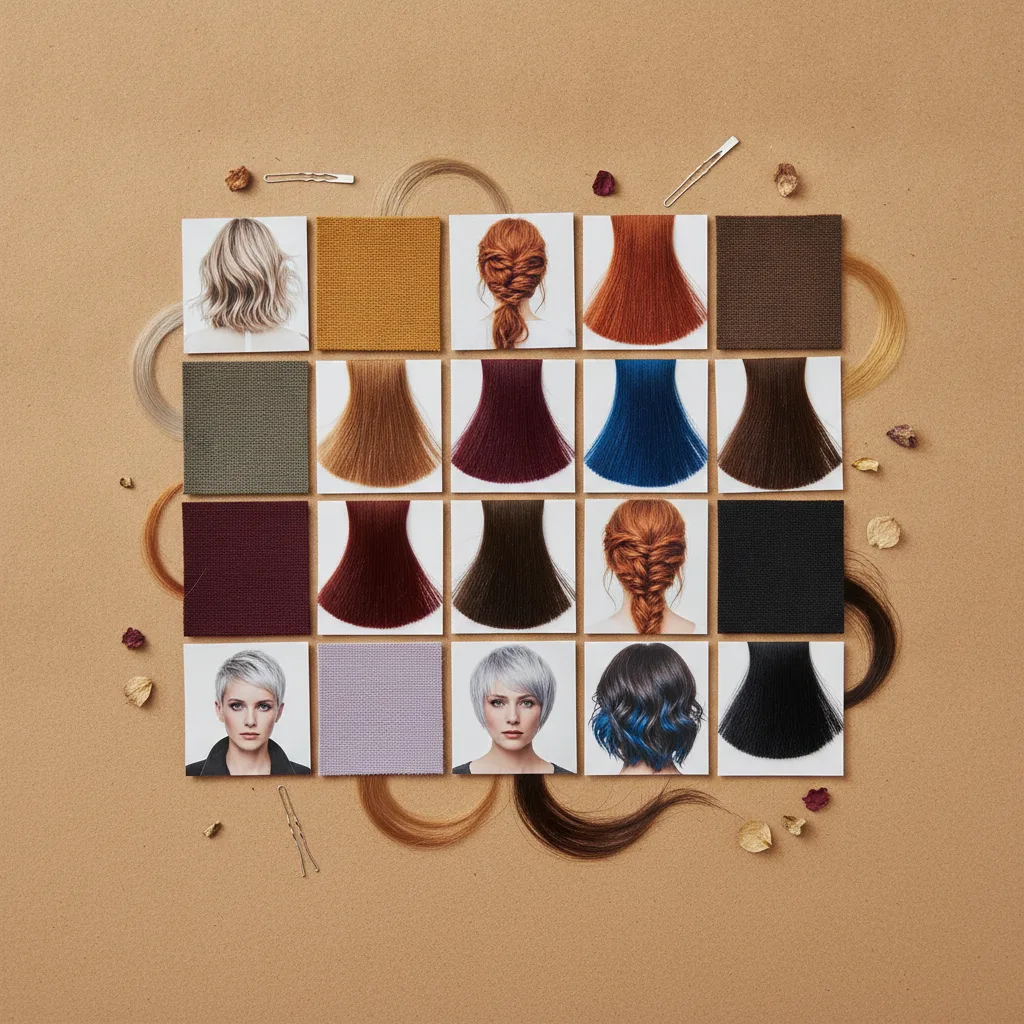
Choose from popular colours or the tones that match your undertone from a colour analysis.
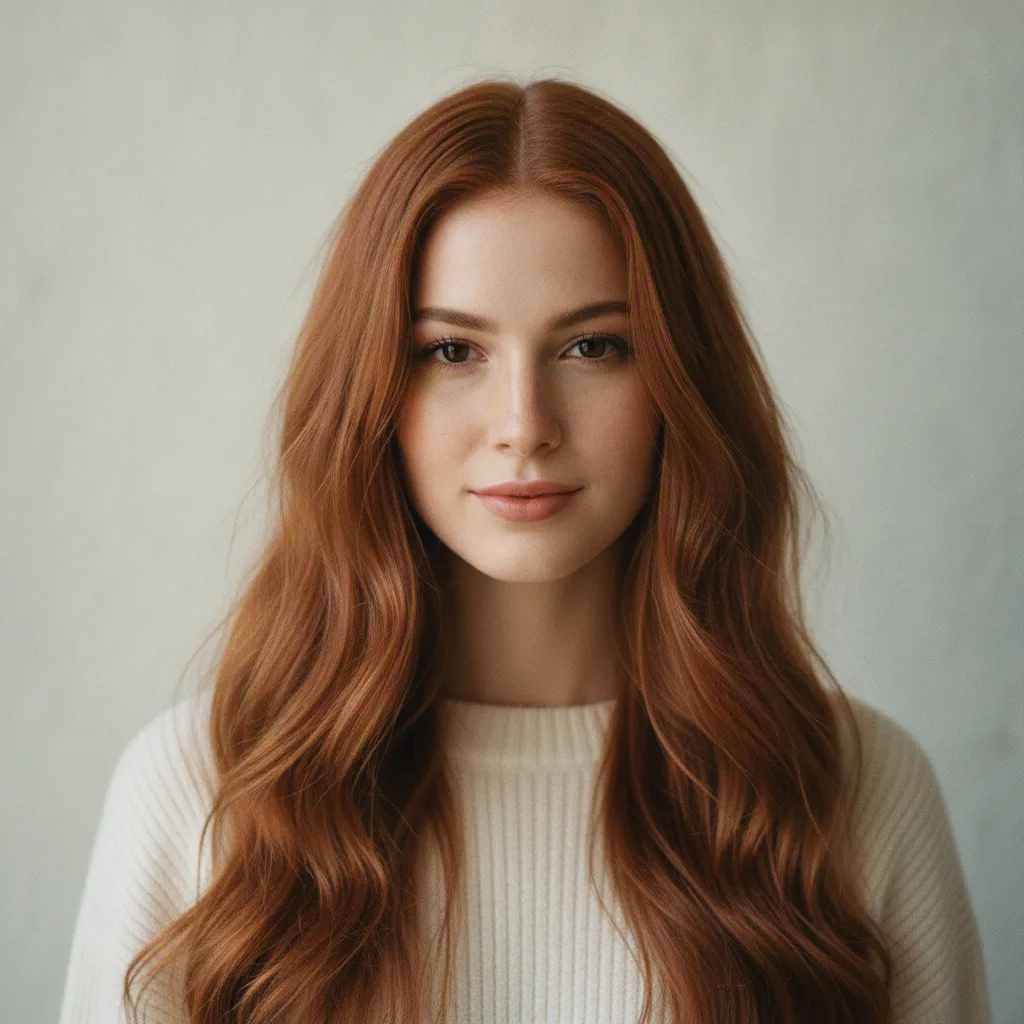
Put variants side by side, keep the ones worth showing to your colourist.
What makes the preview worth trusting before you sit in the chair.
No generic model wearing the shade — the preview keeps your hair length, texture and the light of your own picture.
No appointment and no waiting — upload a photo and the result is right there.
The image is processed for your preview and nothing else. Delete it from your account whenever you like.
With a colour analysis done, shades that agree with your undertone are suggested ahead of the rest.
A dye job is hours in a chair and months of living with the result.
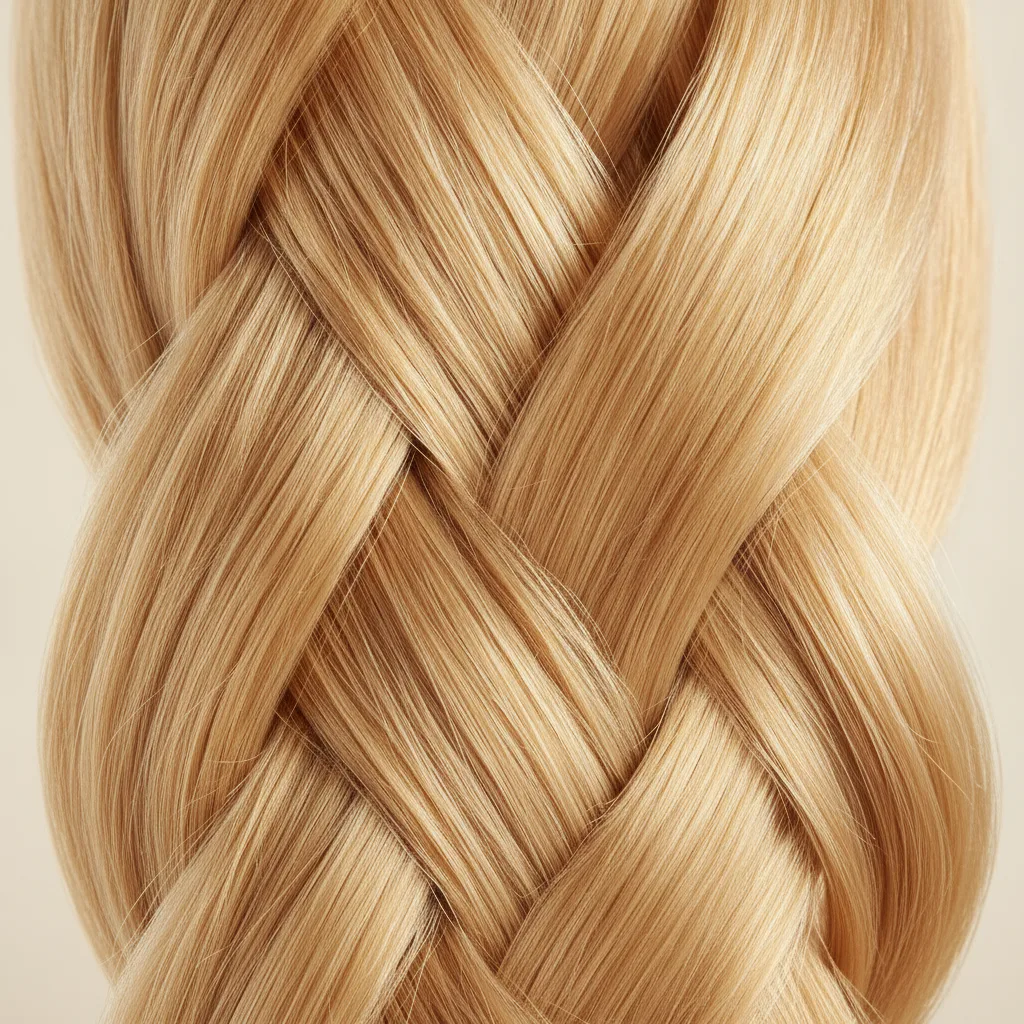
Only the colour is repainted — your hair length, waves and lighting stay as they are, so the preview reads as you.
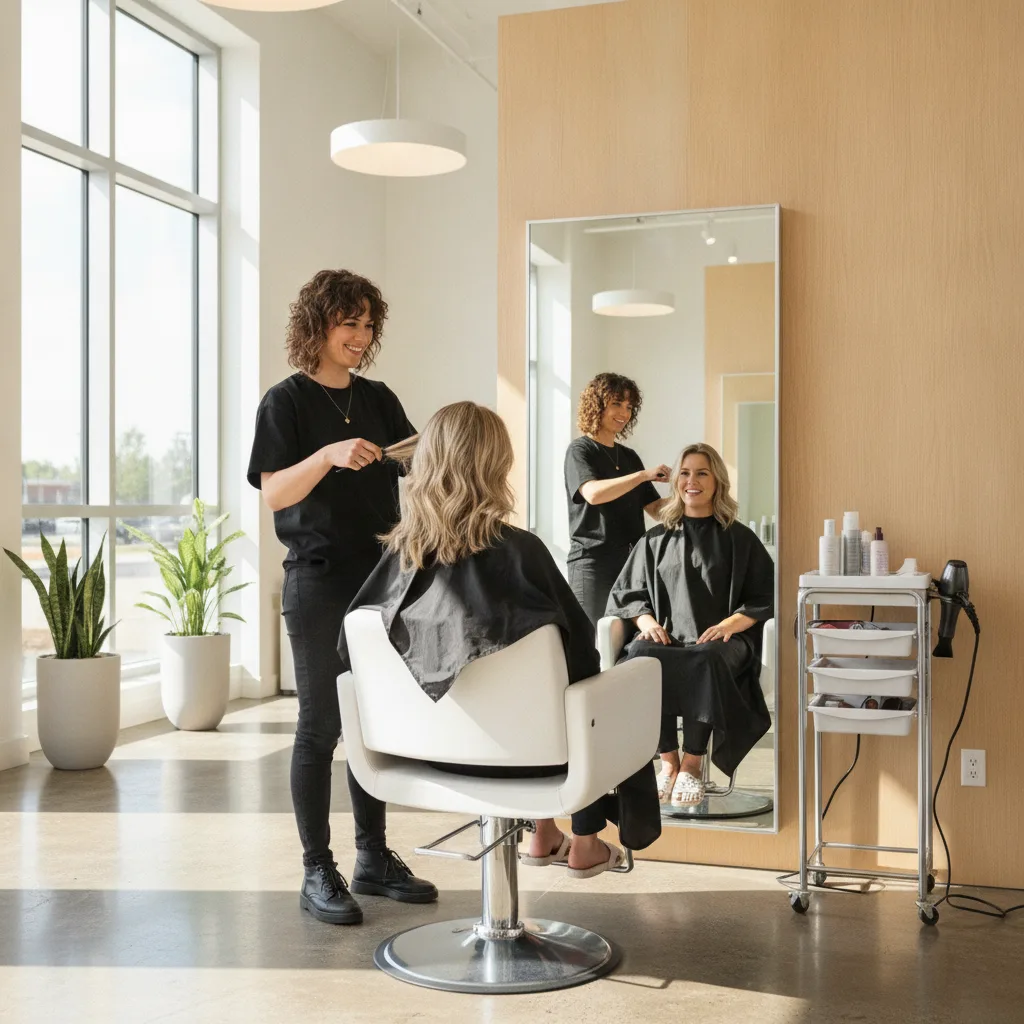
Compare eight shades in the time it takes to book an appointment.
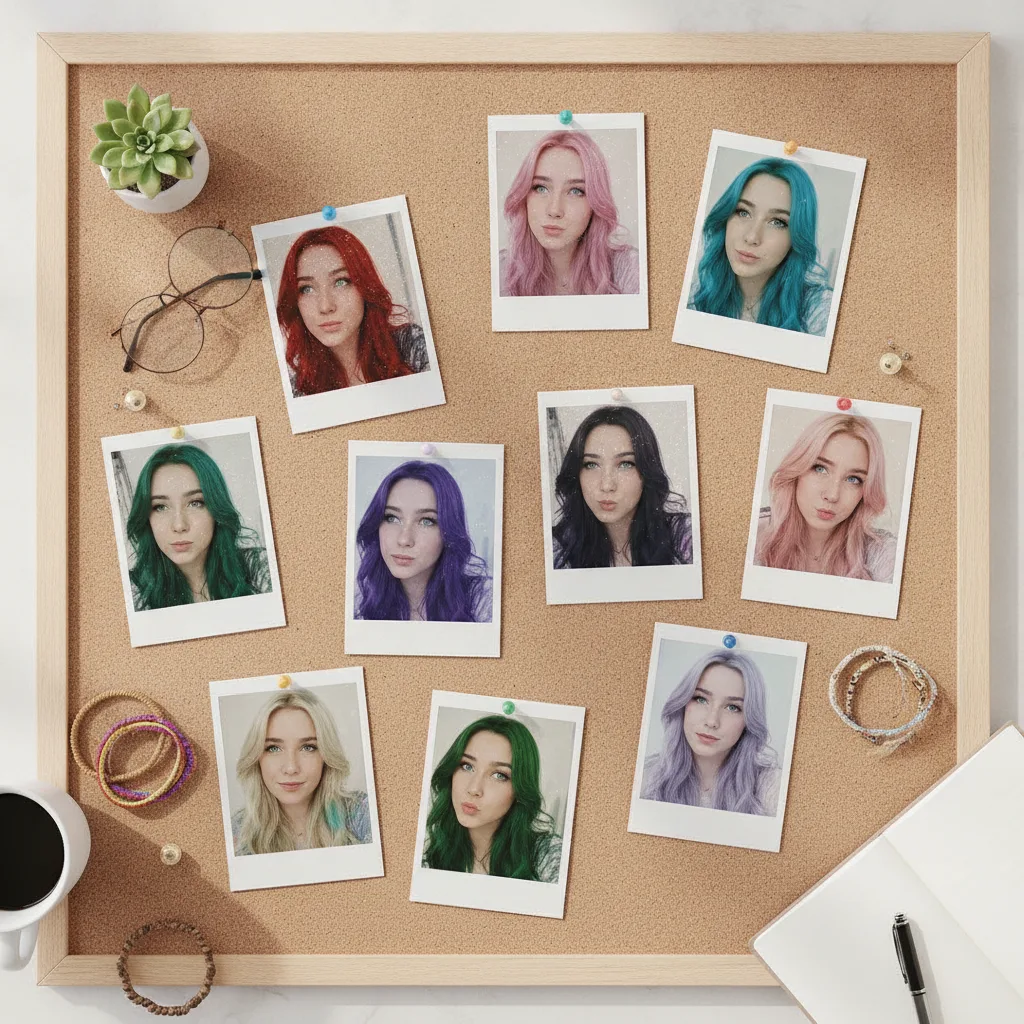
Fixing a colour that did not suit you costs far more than checking it beforehand.
From photo to preview in under a minute.
Bring a reference your colourist can actually work from instead of a vague description.
See how far from your natural depth you can go before it stops suiting you.
Compare tones that blend rather than sit on top of your natural colour.
The tool repaints colour while keeping your hair texture and the lighting of the original photo, so the preview stays recognisable rather than looking like a wig.
Yes. Download the image and use it as a reference — it communicates the tone you want, though the formula is still up to your stylist.
If you have completed a colour analysis, tones matching your undertone appear at the top of the list.
Daylight, hair fully in frame, no hat and no strong shadows. Backlit photos and heavy filters distort the colour.
Yes, though very dark hair shows less difference in the lightest shades — in reality those would require bleaching.
Studio subscribers generate without a per-image limit; without a subscription you generate within the credits on your account.
Every look you generate is saved to your account, so you can compare them side by side later.
Upload one photo — the analysis and the try-on live in the same place.
Start AI Color Analysis