AI Color Analysis
Test a look on your own face in shades that agree with your undertone.

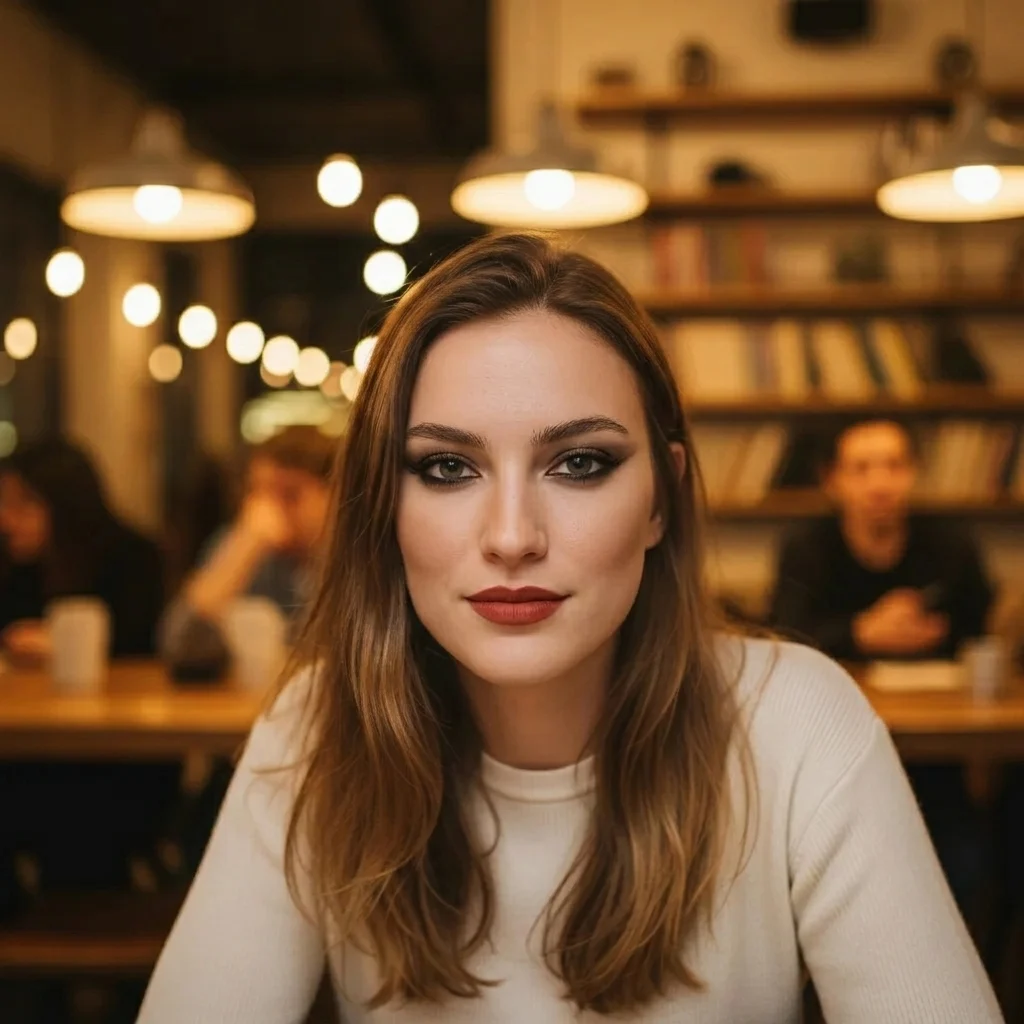 Your photoResult
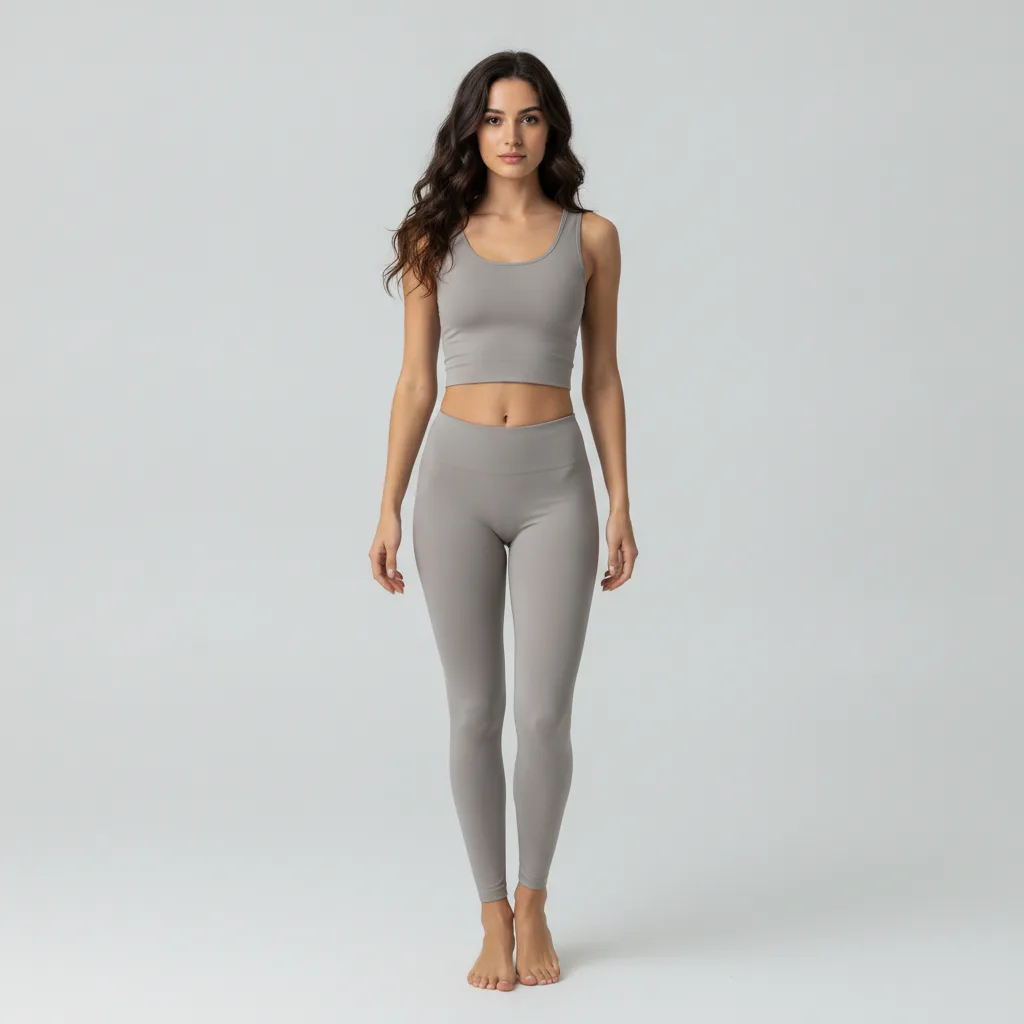
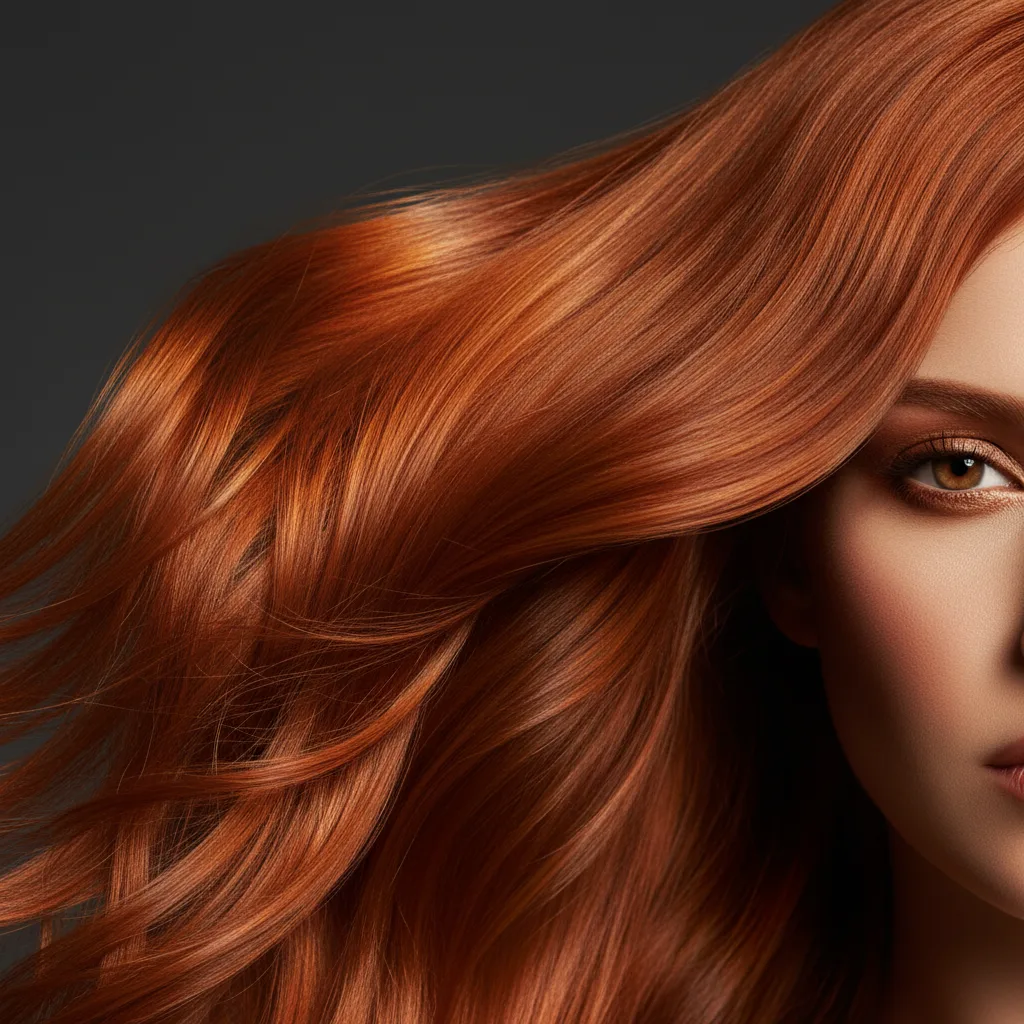
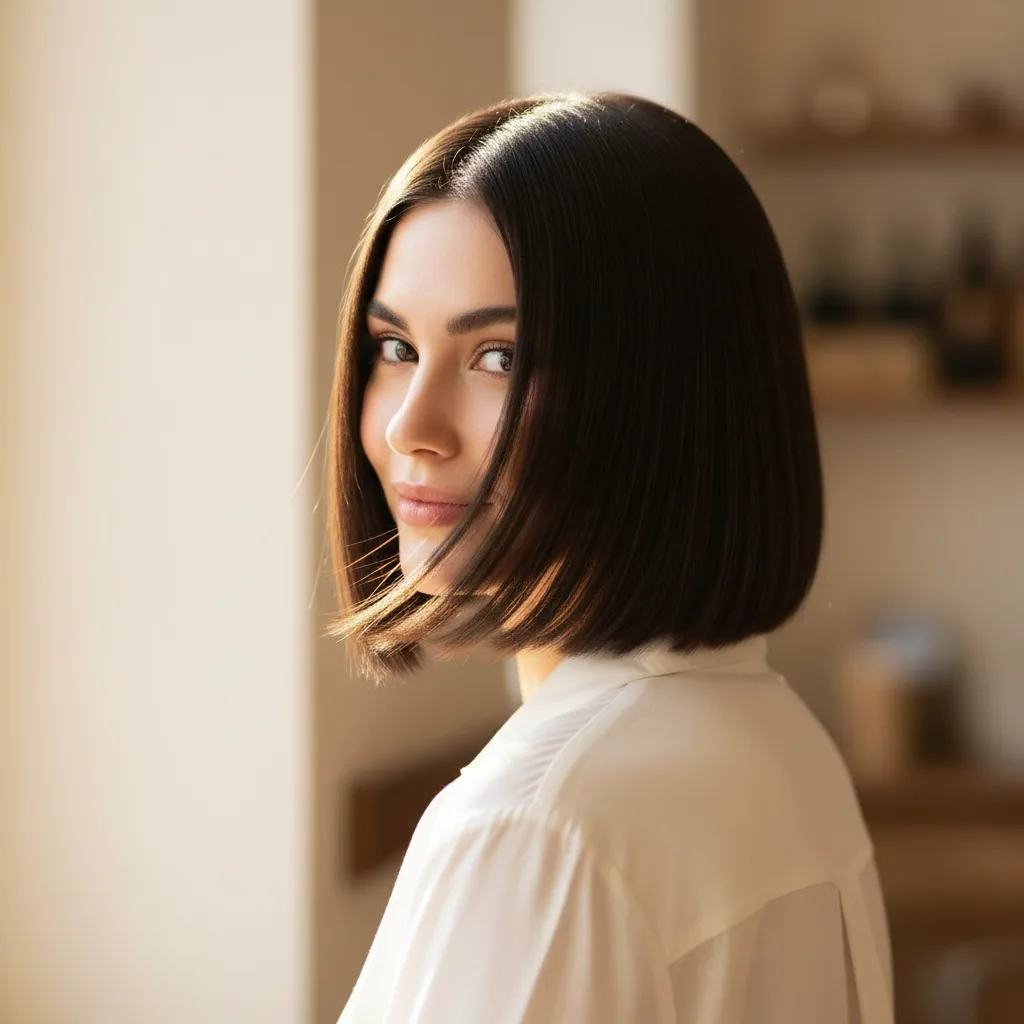
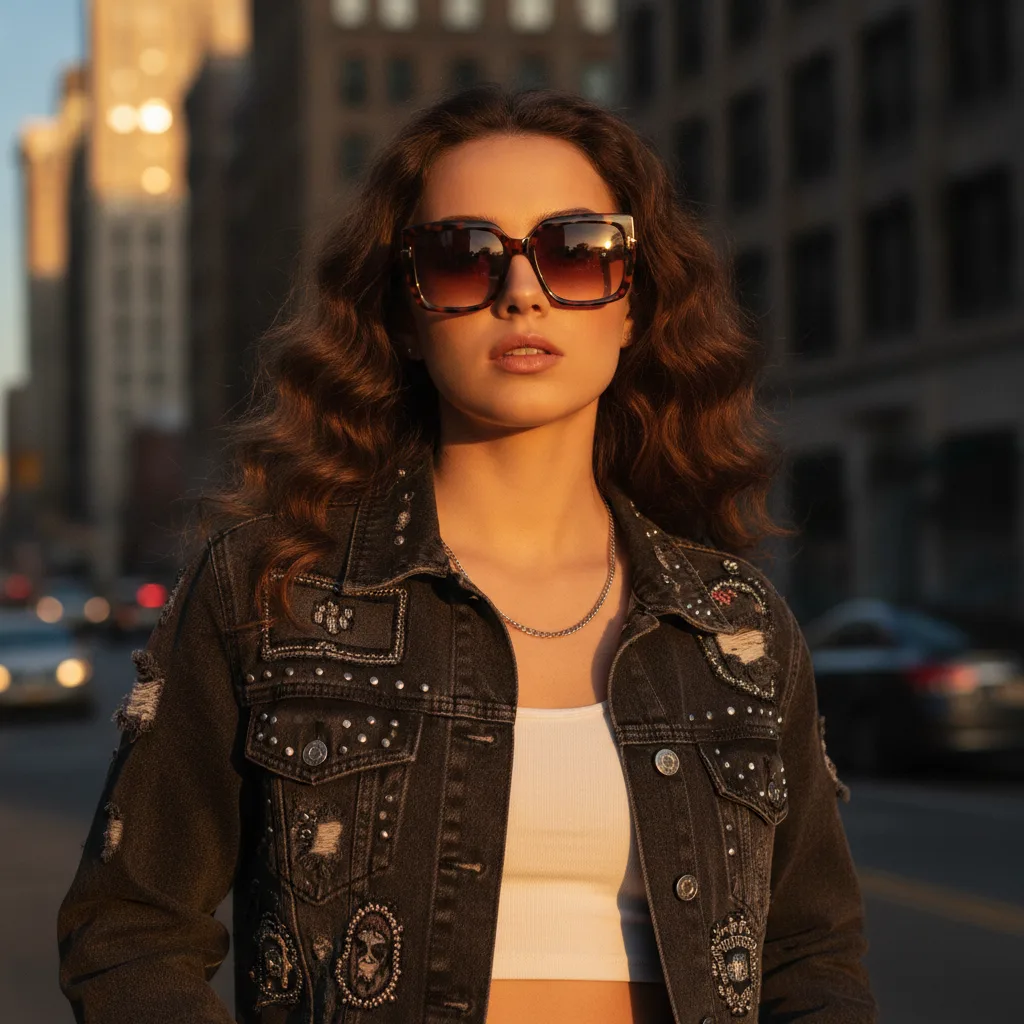
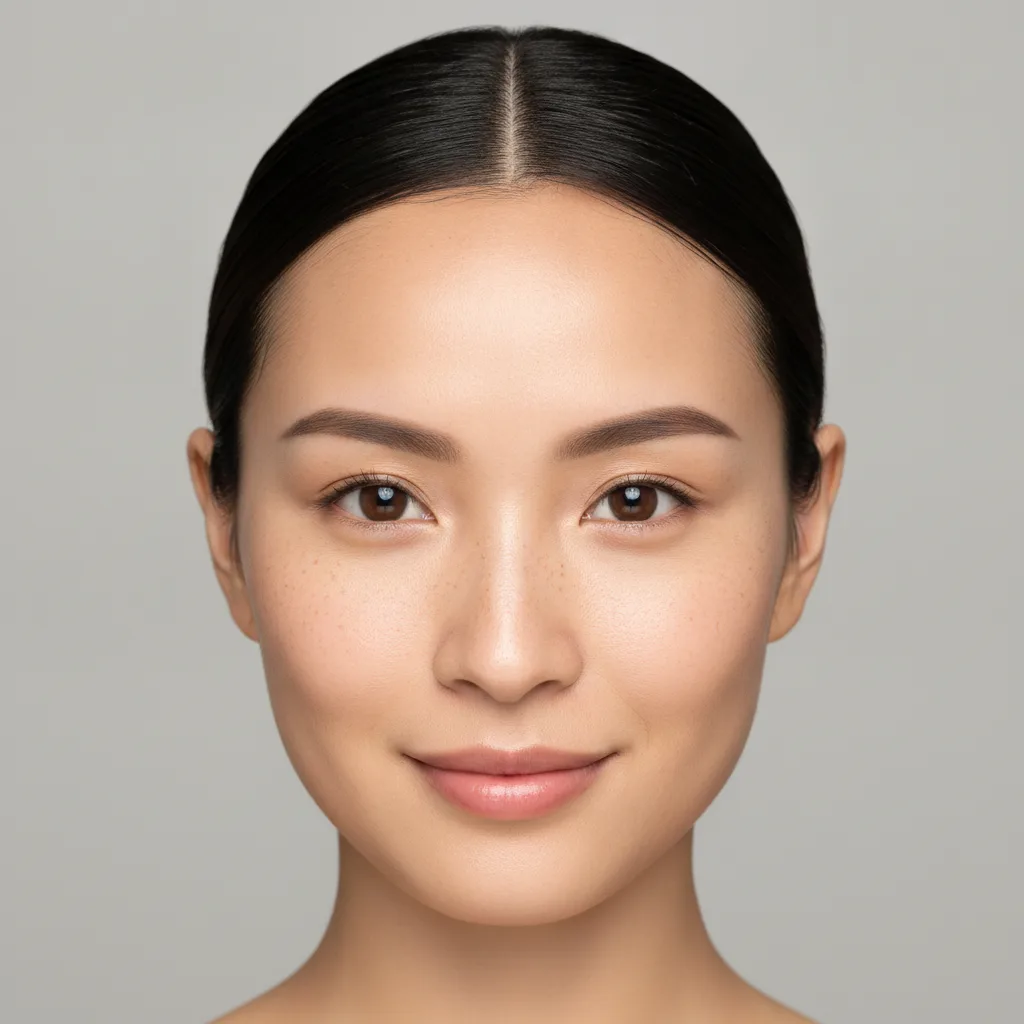
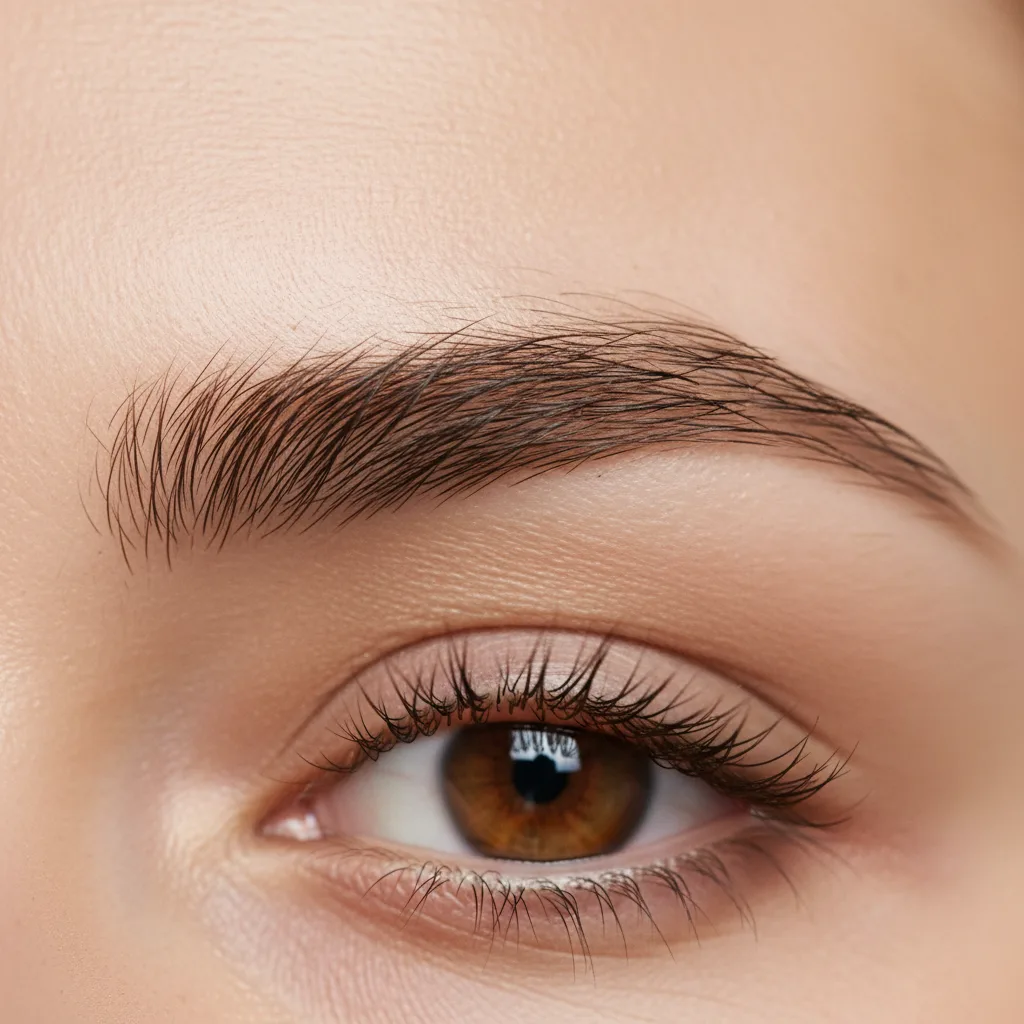
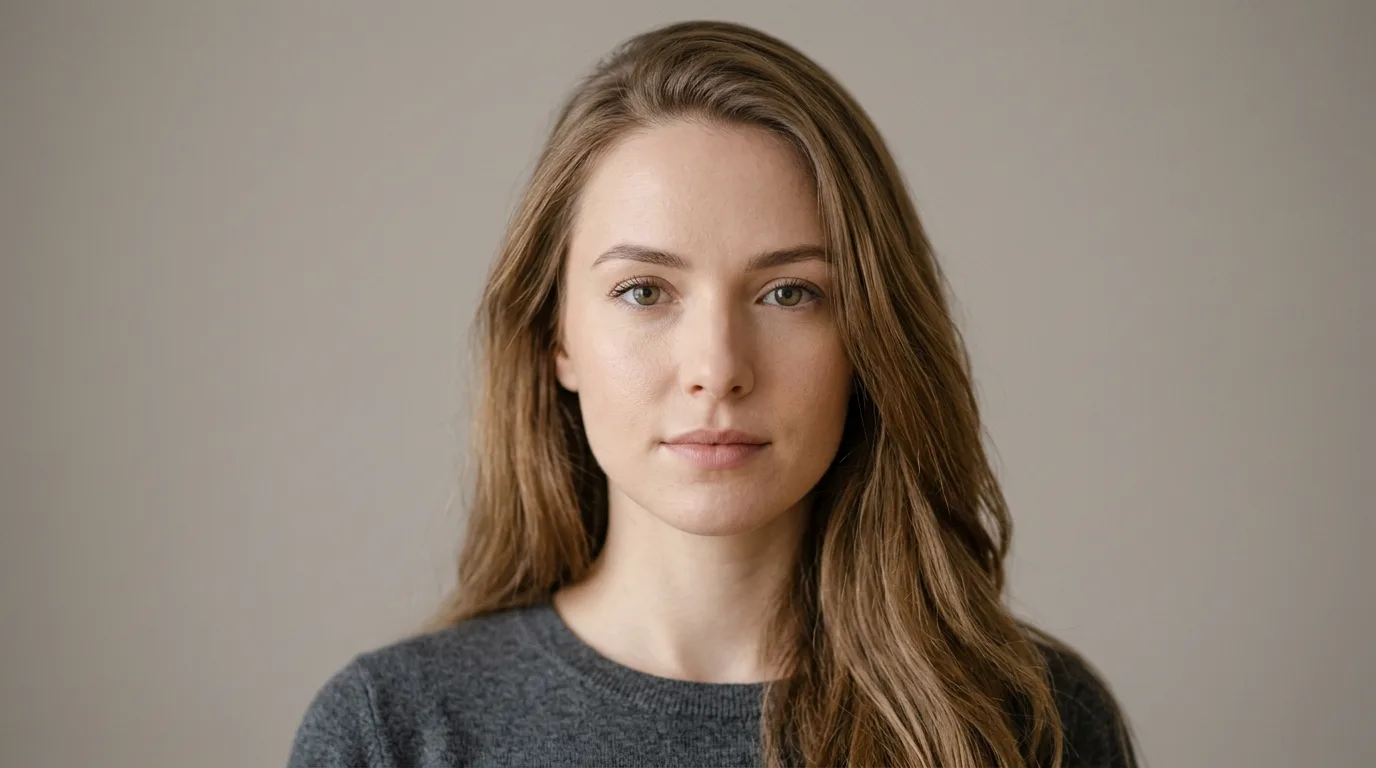
Every example above was generated by this tool.
From photo to preview in under a minute.
Daylight and minimal existing makeup give the truest preview.
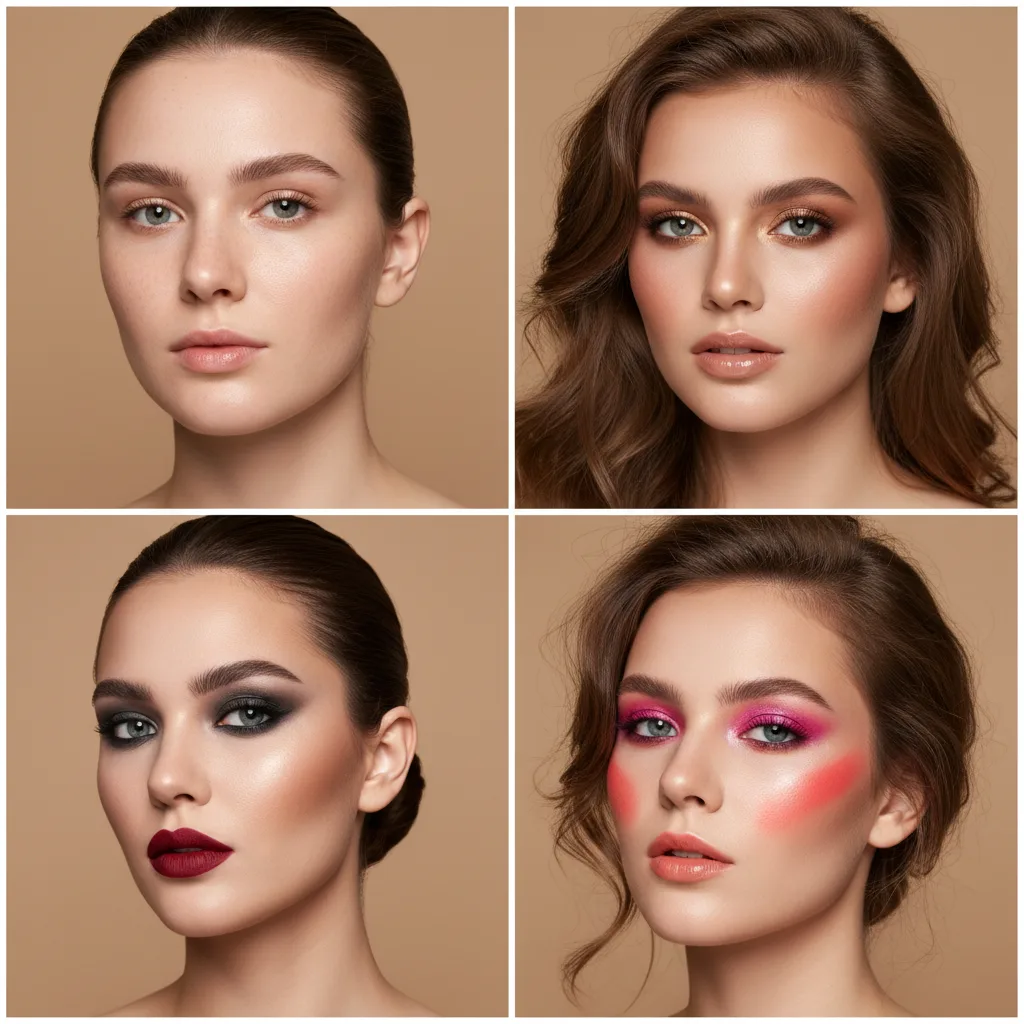
Everyday, soft glam, evening or bold — shades are filtered to your season.
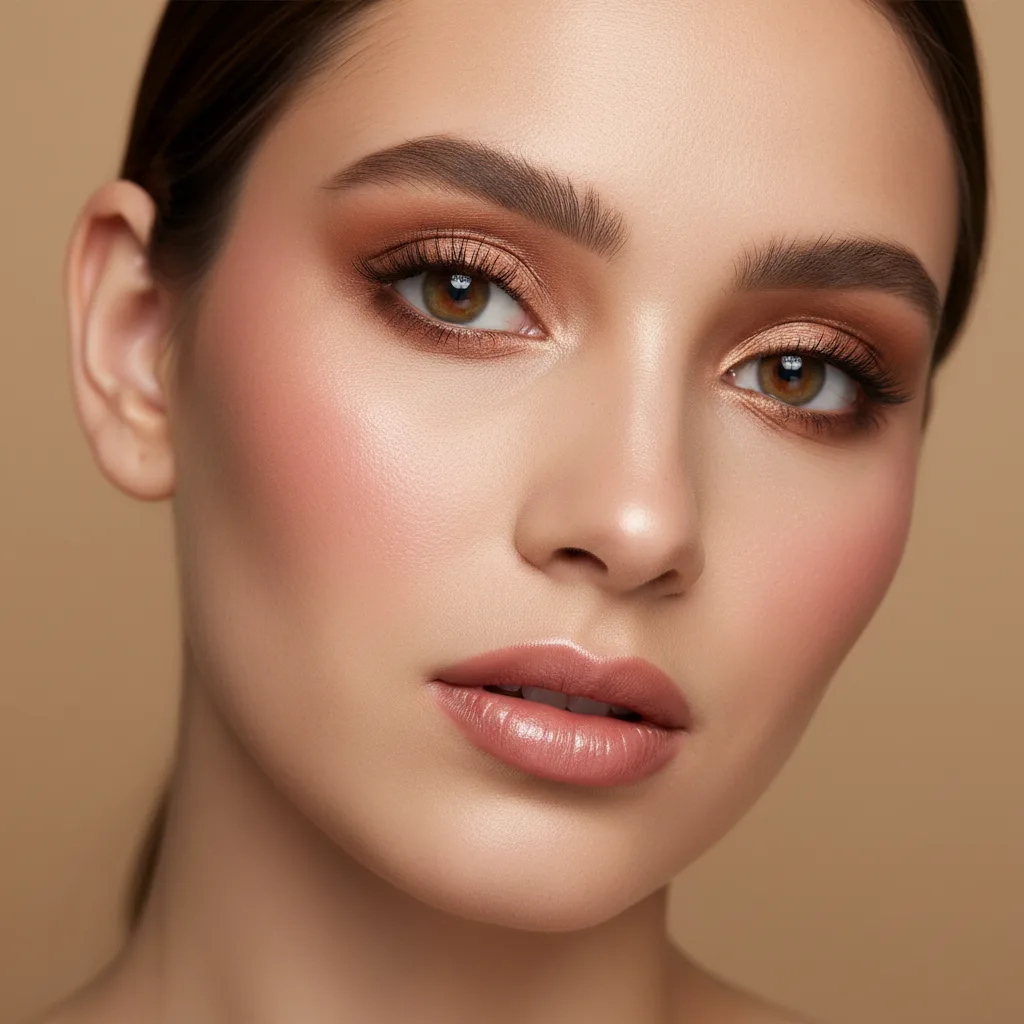
Shop from the ones that suited you instead of guessing at the counter.
What makes a look worth trying before you buy the products.
The look sits on your features and skin tone, not on a face the shade already flatters.
No appointment and no waiting — upload a photo and the result is right there.
The image is processed for your preview and nothing else. Delete it from your account whenever you like.
With a colour analysis done, the lip and eye shades that agree with your undertone come first.
Shade names and swatches on the back of a hand rarely predict how a colour reads on your face.
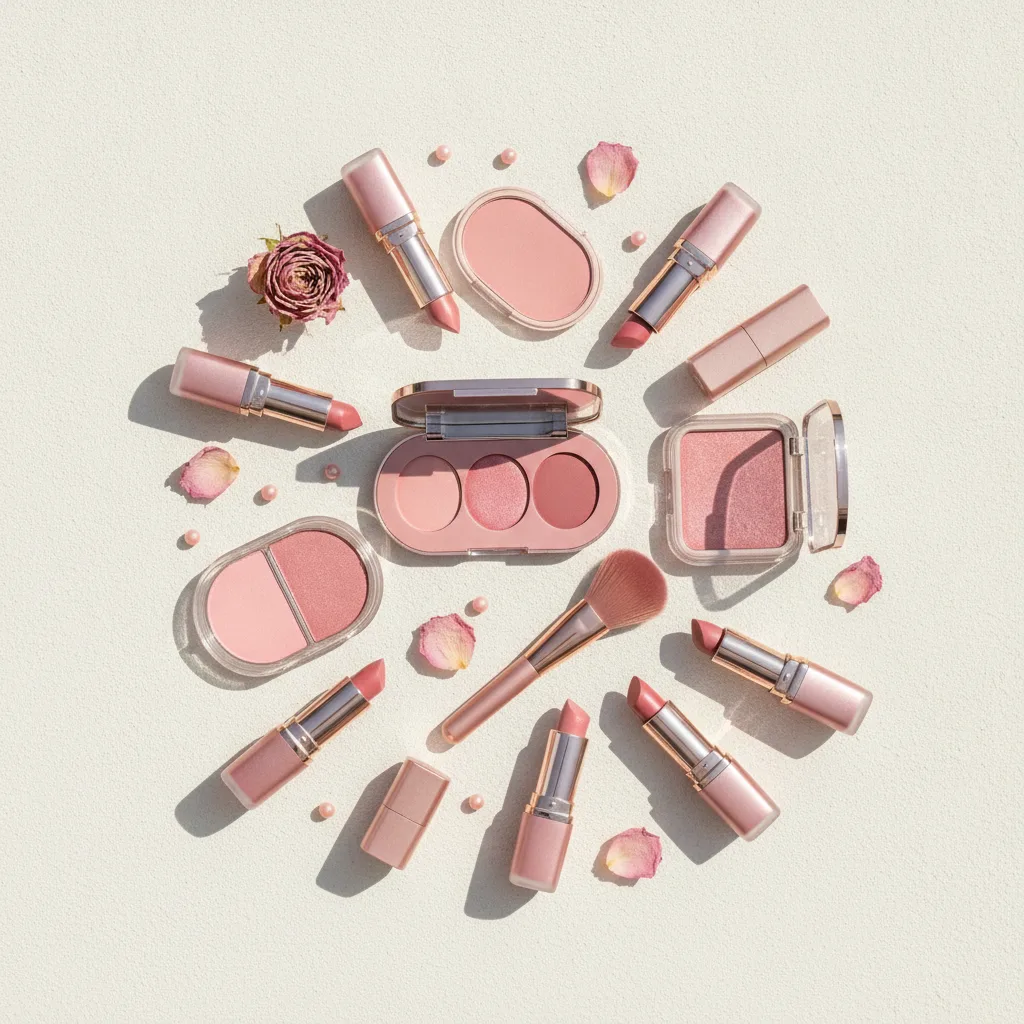
Once your analysis is done, tones outside your palette drop down the list.
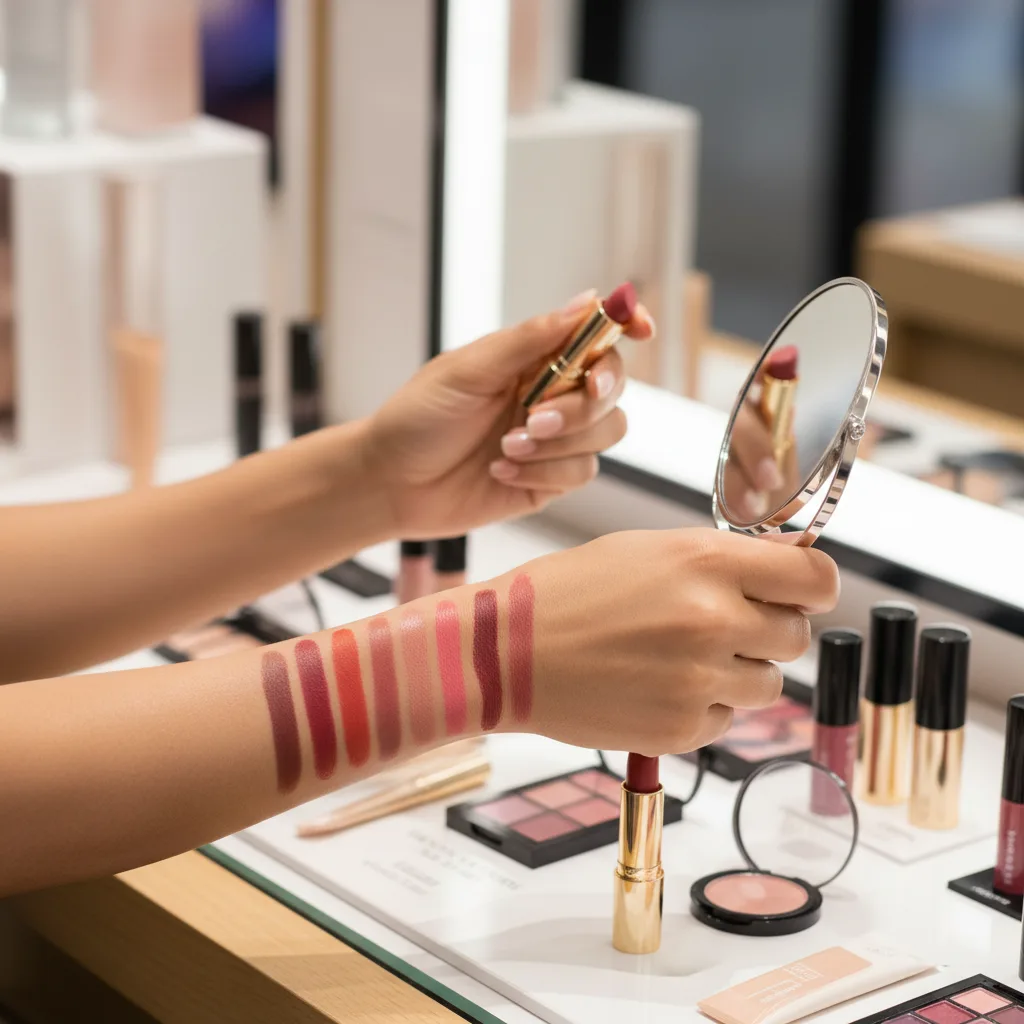
A lipstick that turns out wrong is money spent; a preview is not.
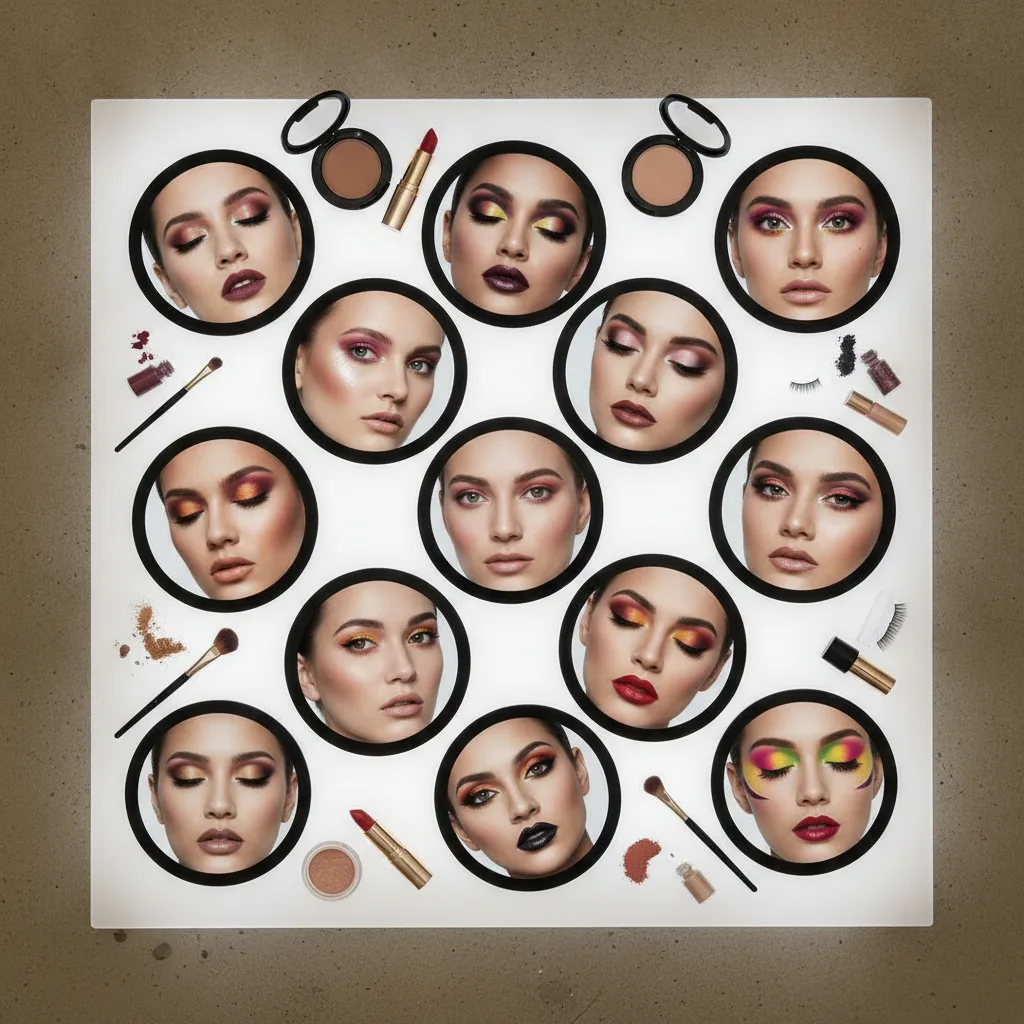
See a strong lip on your face before deciding whether you can carry it.
From photo to preview in under a minute.
Shade names tell you little — a preview tells you more.
Test the intensity before the event rather than during it.
Refresh a routine you have been repeating for years.
Yes — once your analysis is complete, lip and blush tones outside your palette are pushed down the list.
Dramatic presets are included, which is useful when you want to see a strong lip before buying it.
It does, but a clean face gives the truest preview, since existing colour shifts the result.
The preview shows the tone, not a specific brand. Use it to narrow the shade family before buying.
Daylight facing a window. Warm indoor bulbs shift every shade towards orange.
Studio subscribers generate without a per-image limit; without a subscription you generate within the credits on your account.
Every look you generate is saved to your account, so you can compare them side by side later.
Upload one photo — the analysis and the try-on live in the same place.
Start AI Color Analysis